

I spent some time today experimenting with claude-tax-filing skill to generate a tax return. Here are my takeaways:
It is remarkable that the tool can generate legit PDF forms.
There are accuracy issues and mistakes in the generated forms.
This UX may work only for those who try to avoid paying filing fees (aside from the Claude subscription and postage) and have a significant amount of time to review, correct, sign and send these forms.
Running Claude
I used the simplest possible test case: Single, no children, and only one W-2. I excluded 1099s, K-1s, or any other complexities.
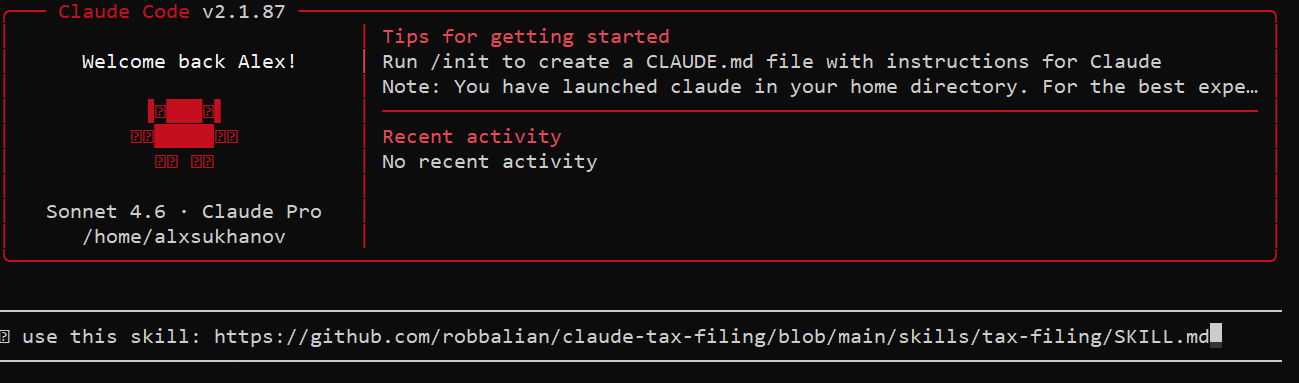
To begin, you simply run Claude and instruct it to use the skill. It then guides you through a series of predefined questions, including where to find your W-2, 1099, and other forms on your local machine.
use this skill: https://github.com/robbalian/claude-tax-filing/blob/main/skills/tax-filing/SKILL.md
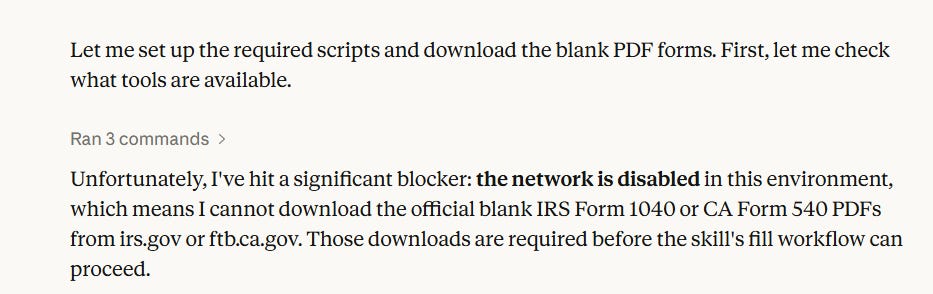
Note, that you can’t use this skill in the browser because of security limitations:
I currently use a $20/month Claude subscription, which is usually sufficient for my tactical needs like brainstorming technical designs or refactoring code. However, generating this “simple” return (consisting only of Form 1040 and Form 540) consumed 95% of my daily quota. This suggests that for a tax return with any real-world data, a $200/month subscription would likely be necessary.
It took Claude about 30 minutes to follow the instructions in the skill file, which included:
Researching IRS.gov and FTB.ca.gov to retrieve federal and state tax brackets and standard deductions.
Computing Federal and State returns using Python.
Downloading blank PDF forms from the IRS website.
Filling the forms using the computed data.
I ran Claude without the --dangerously-skip-permissions flag, meaning I had to manually review and confirm every script and bash command execution.
Reviewing The Results
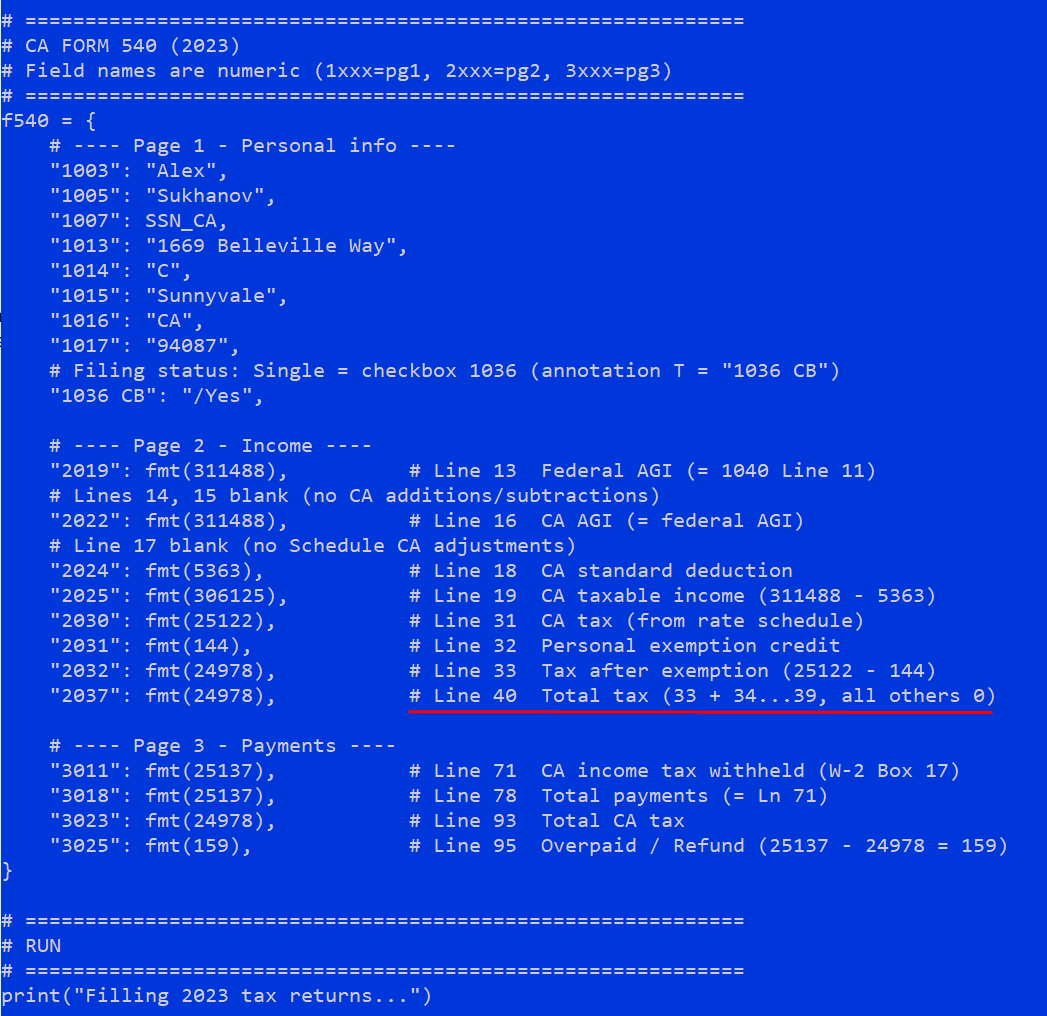
While the Federal return looked accurate for my simple case, the California State Return (Form 540) contained a notable error. Claude mistakenly entered the total tax which belongs on Line 64 into Line 40 (Nonrefundable Child and Dependent Care Expenses).
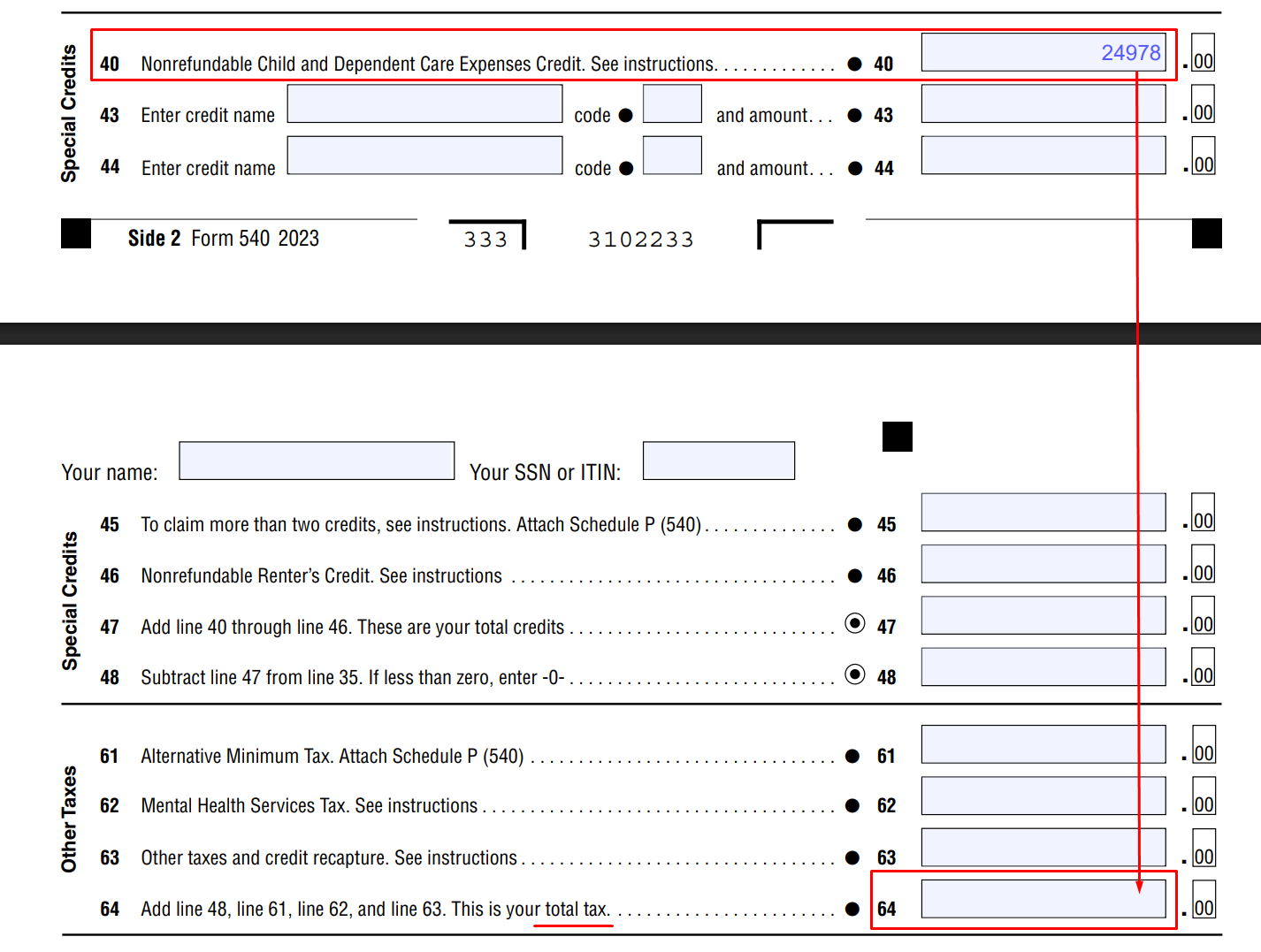
Looking at the generated Python script, the bug was easy to spot:
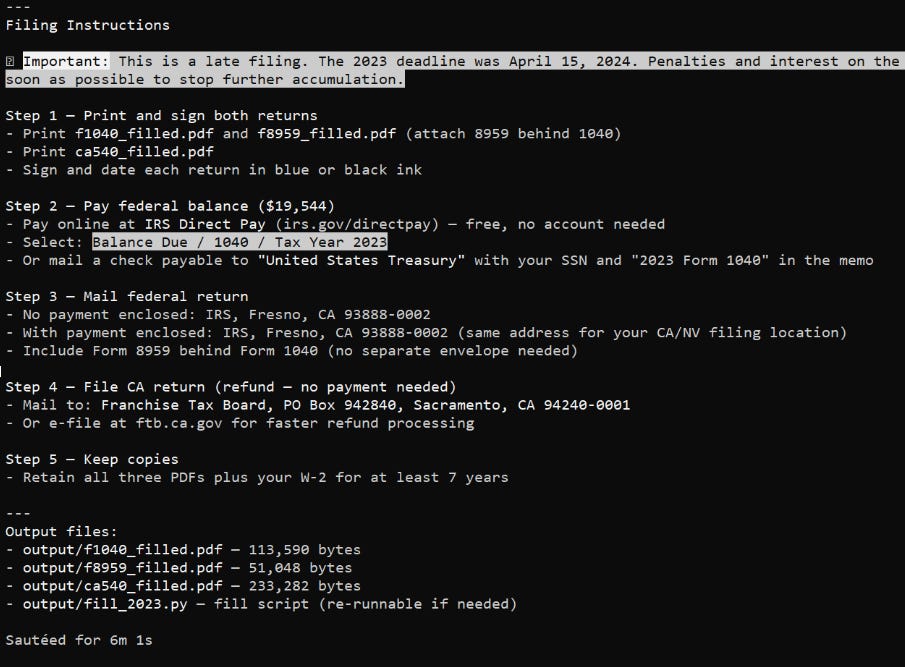
As long as a human is responsible for verifying the data and fixing bugs, this is a manageable issue. However, the bigger hurdle is the final step. Claude suggests printing the forms, signing them by hand, and mailing them to the IRS. Anyone who has dealt with the IRS knows that preparing a physical package, driving to the post office, and paying for certified mail is a time-consuming chore.
The Value Proposition
It is hard to justify this workflow when TurboTax can handle everything, including e-filing and instant notifications of acceptance, in one click for roughly $200.
For anyone earning more than $50/hour, the math doesn’t add up. Between a $200/month Claude subscription, $20 in postage, and 2–3 hours of manual verification and mailing, the “free” route becomes very expensive. For reference, the median Google Software Engineer salary in the Bay Area is approximately $330k/year, or roughly $158/hour.
Data correctness, e-filing, and time savings are TurboTax’s core value propositions, and Claude doesn’t disrupt them yet. Until the IRS allows everyone to e-file directly and Claude guarantees filing accuracy, TurboTax’s business model is safe.
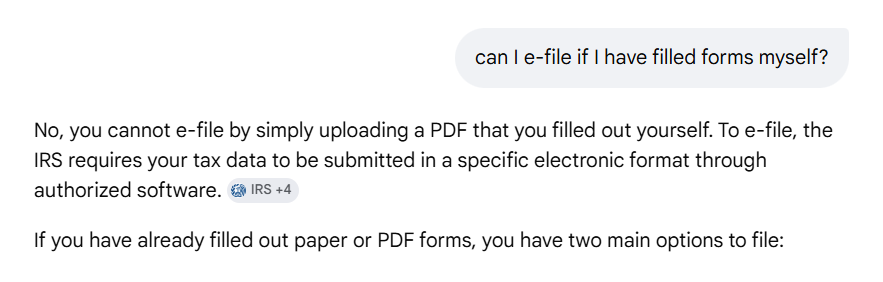
"Anyone who has dealt with the IRS knows that preparing a physical package, driving to the post office, and paying for certified mail is a time-consuming chore." - certainly true but the easiest part compared to preparing all the forms one needs if one has multiple income sources, donations or DAFs, foreign income/accounts, self employed/business expenses, SEP-IRA or IRA, Roth conversions, Rentals, Annuities, etc. Our tax preparer had completed >50 pages of forms using their professional SW package and "just" needed my signature (which I gave after two rounds of review). The reviews took > 15 hours despite having modeled my taxes with a primitive spreadsheet (which skipped NIIT and a bunch of other smaller things that resulted in ~10% differences in AGI/MAGI and taxes due).
Anyway, it's the (lack of) accuracy with Claude that keeps me from trying it for taxes.
BTW, https://www.freetaxusa.com/ seems like a viable alternative to Turbotax for many people.